AI Workflows and Tools
Handy tools your team will love
We combine user-centered design principles with the latest AI technology to make work happen faster and easier
AI Answer Engine
Find everything faster
Ask a question about your project, get the answer immediately
• Documents, drawing details, log entries, paint colors, even untagged photos are all instantly findable
• Find specific keywords or ask project-specific questions
• Answers always link directly to the real primary sources in your project—no bullsh*t
Split View
Click a sheet detail, and it'll open in Split View. You’ll wonder how you ever reviewed drawings without it. Lock, sync, and resize any two sheets.

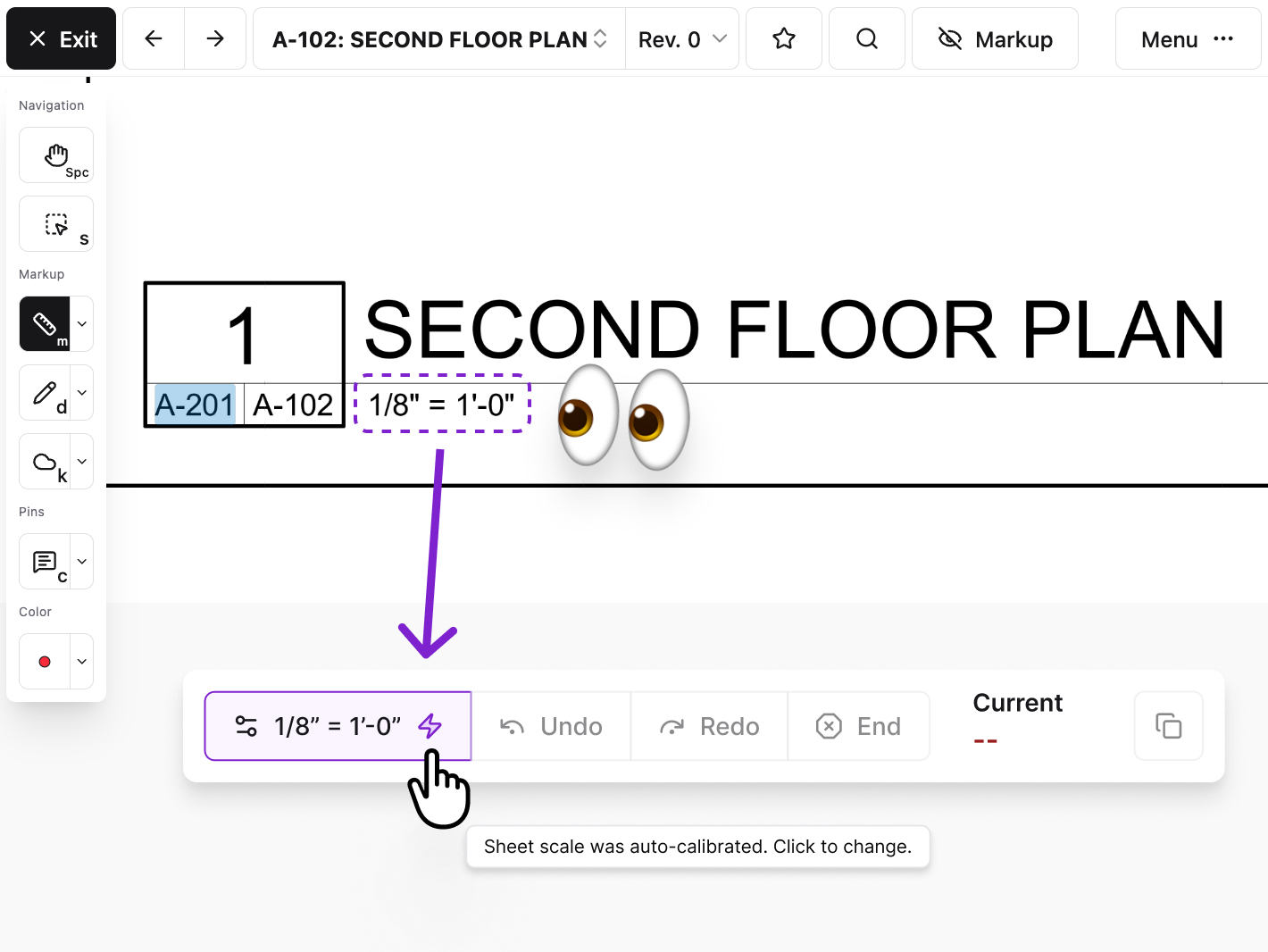
Never calibrate a drawing sheet again.
Constructable automatically detects and applies the correct scale for your drawings, so you can just start measuring right away.
Knock out your punch list with AI 🥊
Dictate the description of a deficiency
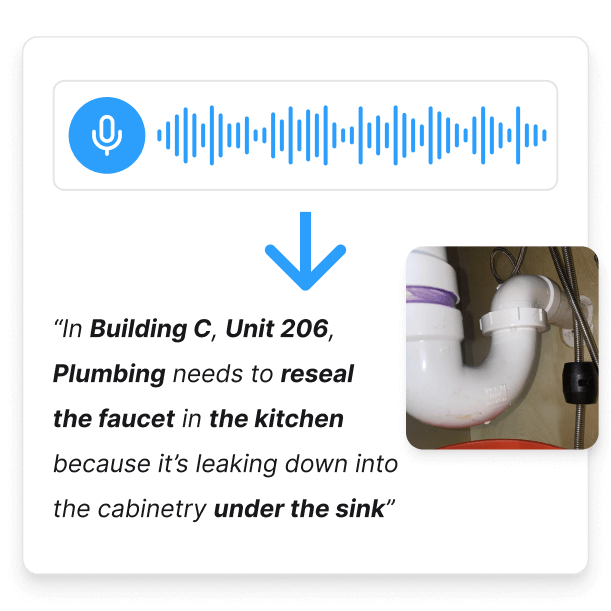
Dictate the description of a deficiency
Autofill all fields with just a click
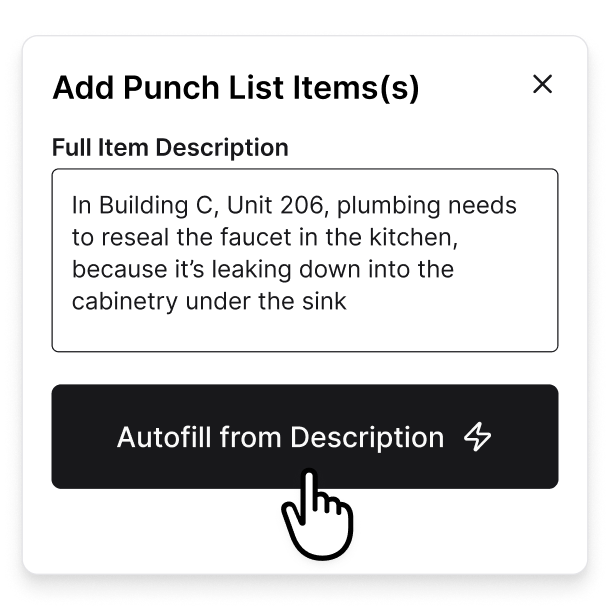
Autofill all fields with just a click
Assignees get structured, accurate items
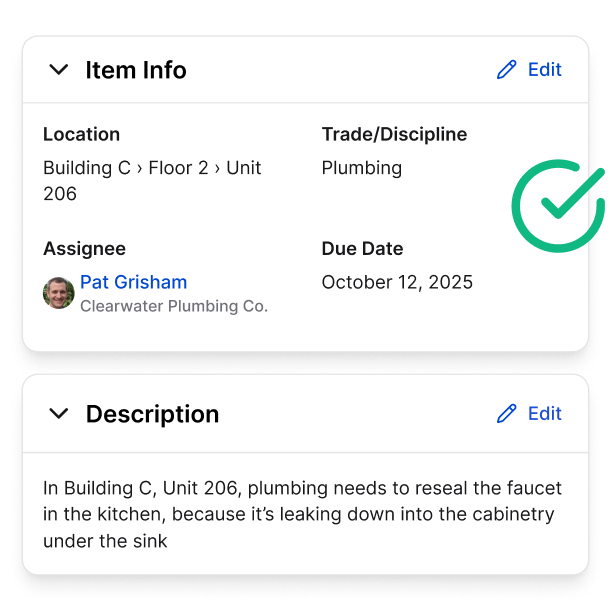
Assignees get structured, accurate items
Compare sheets and revisions like never before—introducing Blend Modes
Three highly useful modes: Differences, Ghost, and Highlight. Dial them in and see what you've been missing.
Quickly extract tables and text
from drawings like magic
Click-and-drag Magic Extractor around tables or text...

...then simply paste into any document or spreadsheet

Late night? Meet Dark Mode.
A customer favorite. Your eyes will thank you.
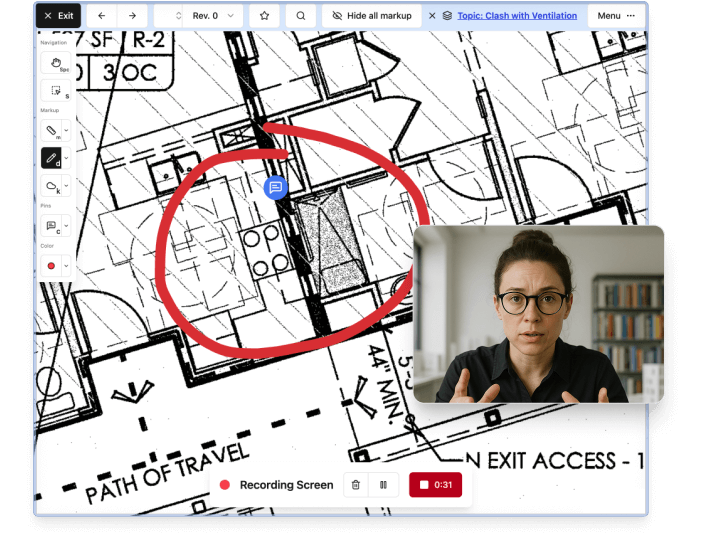
◉ Record your screen and talk through complex issues right on your drawings
• Attach recordings of your screen as part of comments pinned on drawings
• Voice over and mouse movements are captured to make sharing visual ideas easier
• No more long email chains or confusing screenshots
“Constructable synchronized the plan review process; creating topic tracking, plan markups, and an organized history in half the time. I can’t go back to our old software.”

Ryan Adams
Operations Manager

“Constructable synchronized the plan review process; creating topic tracking, plan markups, and an organized history in half the time. I can’t go back to our old software.”
Ryan Adams
Operations Manager
Create trust.
Build the future.
Let's get you building better.



Frequently Asked Questions
Do responses from Constructable's AI Answer Engine include verifiable sources?
Does using AI degrade accuracy or introduce “hallucinations” (i.e. wrong answers)?
How does the AI autofill feature work when creating punch lists?
What is the Magic Extractor feature?
Do Constructable’s AI features cost extra?
Does Constructable have a Dark Mode option?
Can I view two sheets side-by-side in Constructable's drawing viewer?
Can I overlay two sheets in Constructable's drawing viewer to compare them?
with better bids
more time building